 Moduara
How to create a website with AI, step by step
By Moduara · Published on
To create a website with AI in Moduara, describe your business, add your logo and photos, generate a draft and review it in the visual editor. Then publish it on a Moduara subdomain or connect your own domain. You do not need to code or maintain a server.
Moduara is an AI website builder for small businesses. AI prepares the pages, text and design; publication depends on your review. This guide explains the process inside the product.
1. Prepare your business information
Describe what you offer, who you work for, where you provide your service and what visitors should do: contact you, explore your services or message you on WhatsApp. Add your logo and up to 20 of your own photos if available.
A specific brief makes the result easier to review. This example is fictional; replace every detail with real information:
We are an interior design studio for small shops in Barcelona. We need a homepage, a services page, a portfolio and a contact page. We want a clear, friendly tone. Use photos of our projects and leave the contact details we have not yet provided unfinished.
Include prices, address, opening hours and phone number only when confirmed. Do not use customers’ personal data, invented reviews or photographs you do not have rights to use.
2. Generate and check the first draft
Create your account and verify your email. When creating a website, enter your business brief and files. A full generation uses 10 credits and usually takes one to three minutes. This estimates generation time, not the total time needed to review and publish.
AI suggests pages, blocks, text, colours and typography. It uses your images first and may complete the design with stock photos. You can request changes or try another design before creating the website. You can also start from a Moduara template.
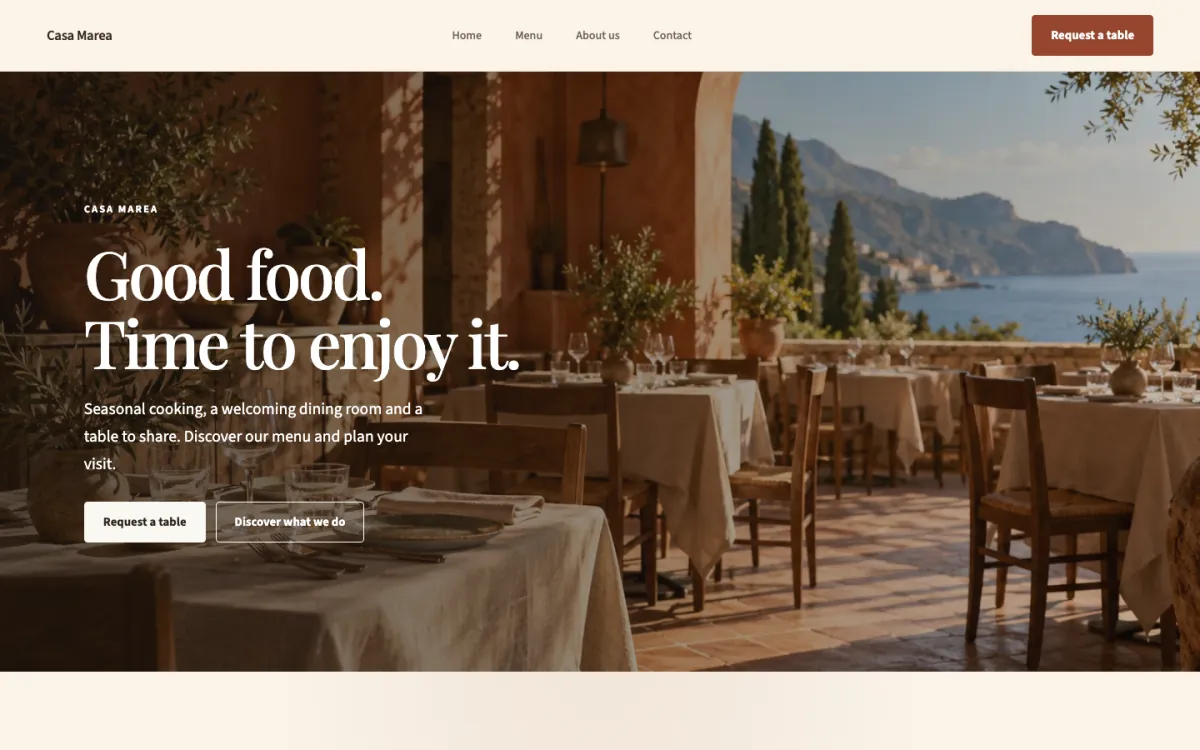
3. Review the information and edit without code
The result is a draft made of editable blocks. You can change text, photos and colours in the visual editor. AI can also create an extra page for 3 credits or generate or rewrite a section for 1 credit.
Before publishing, check that:
- Services, prices, opening hours and contact details match your business.
- Photos represent your work and you have permission to use them.
- Menu links and contact calls to action lead to the right destination.
- The form and WhatsApp link work, if you use them.
- Text is readable in desktop, tablet and mobile views.
- You have replaced example content and reviewed the notes left by AI.
You can share a private preview link before publishing. Generating a draft does not replace checking facts or reviewing your business obligations.
4. Publish and connect your domain
When you are satisfied, publish the website. You can use an address such as tunegocio.moduara.com or connect your own domain from the dashboard. Domain connection and hosting are included in every plan; buying a domain is not included.
To connect a domain, add the DNS records shown in the dashboard and wait for the HTTPS certificate to activate. Meanwhile, use your Moduara subdomain. Every publication is retained and you can return to an earlier version.
How much does creating a website with Moduara cost?
The trial lasts 7 days, requires no card and includes Growth features and 20 AI credits. During it, your website is published at your moduara.com address with Moduara branding and is not indexed by search engines; your own domain connects when you choose a plan. If you do not choose a plan when the trial ends, published websites are paused; content is retained so you can reactivate it by subscribing.
See the current Starter, Growth and Business prices and limits. Prices are in euros including VAT, with monthly or annual billing. Monthly credits do not roll over. Additional credit packs do not expire, and failed generations are not charged.
What should you consider before choosing?
Check how many websites and languages you need, who will edit them and which forms you will use. A service website, portfolio or restaurant menu has different requirements from a shop with payments or a booking system. Confirm any specific integration with hola@moduara.com before subscribing.
Creating and publishing a website does not guarantee immediate appearance on Google or in AI answers. Search engines must discover it and decide whether to index it; useful content and external references also matter.